Halloween 2026 · Pumpkin Pet
Pumpkin Pet Costume Generator for Your Own Cat or Dog
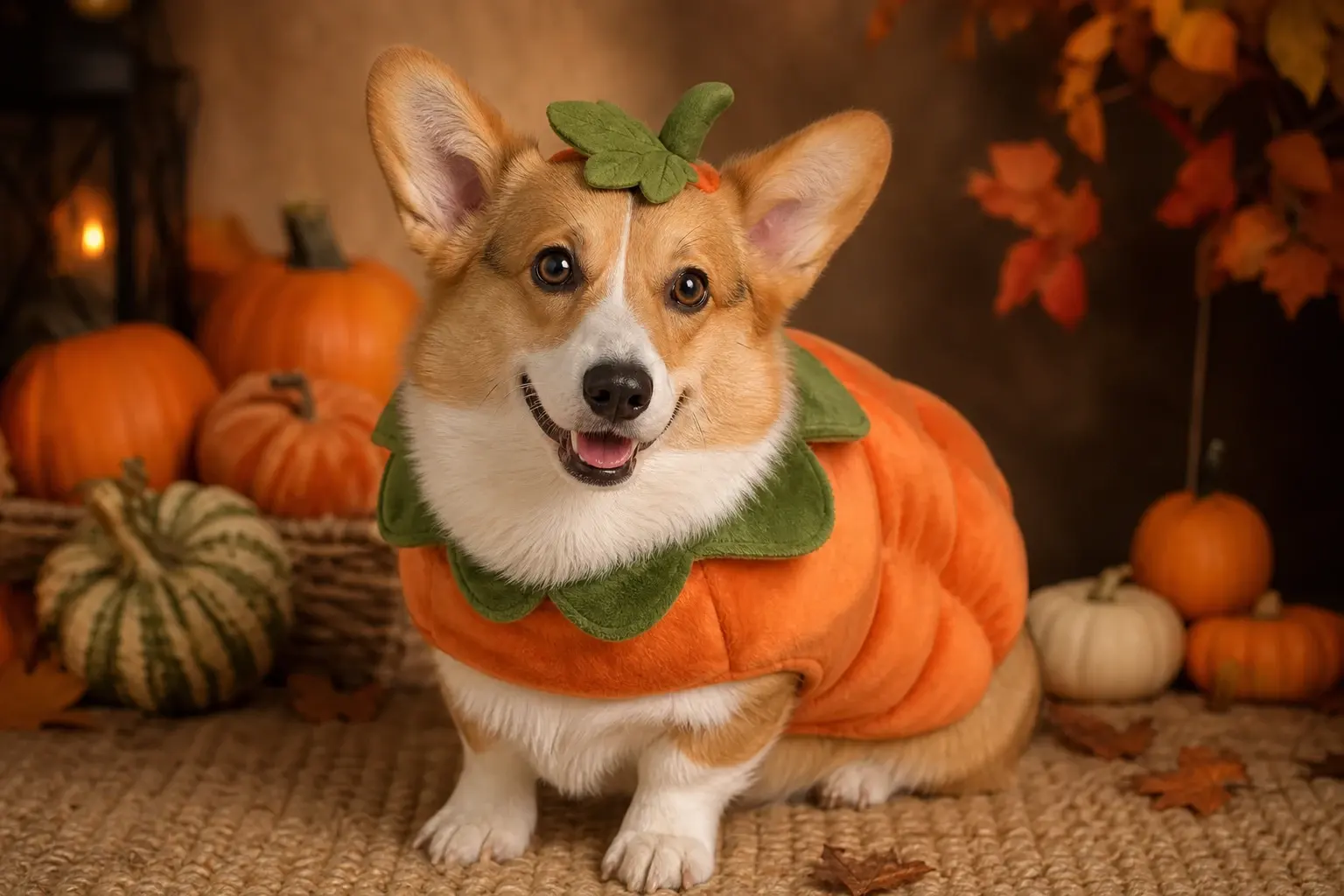
Pet costume photos work when the animal still looks like the animal. This preset adds a soft pumpkin outfit and autumn studio light while protecting markings, eyes and species.
Credits are charged only when a model run starts. Failed jobs return credits automatically; completed jobs remain in your creations.
Ready-to-use prompt
The prompt is prefilled when you open a generator. Review it, add your own constraints, and keep the source photo unchanged.
Use the uploaded pet photo as the primary reference. Preserve the animal’s original breed, fur color, distinctive markings, eye color, facial appearance and natural anatomy. Dress the pet in a soft pumpkin-inspired Halloween costume with a small green leaf accessory. Keep the costume fitted naturally without covering the animal’s eyes or changing its species. Place the pet in a cozy autumn photography studio with warm lighting and miniature pumpkins. Create a photorealistic professional pet portrait with realistic fur texture and natural shadows. Keep one animal only. Avoid extra animals, unnatural paws, duplicated limbs, changed eyes, text, logos and watermarks.
Useful exclusions: No extra people, changed identity, duplicated limbs, distorted hands, copied character designs, readable text, logos or watermarks.
What to watch for
The prompt holds breed, markings and eyes fixed, then changes only the costume and studio. Check paws and the edge of the costume at full size.
Keep the face unobstructed
The costume must not cover the eyes or squash the muzzle. A visible face keeps the portrait recognizable.
Fur markings are identity
Spots, socks and tail tips should survive the edit. If they change, the result no longer represents the same pet.
One animal only
Extra animals and duplicated paws are common failures. Keep the source simple and the prompt explicit.
A reliable three-step run
Upload one clear photo with even light. For pets, keep the eyes and full face unobstructed. For couples, use two separate portraits if one group photo is not available.
Use photos and clips you have permission to edit. These are original costume interpretations; the page does not claim affiliation with any film, game, or character owner.
- 1
Choose a clear pet photo
Use one animal, visible eyes and natural light. Avoid a photo where the pet is already wearing a heavy outfit.
- 2
Preview the fit before the scene
Generate one image and inspect the face, chest, paws and costume edges. Add pumpkins and warmer light only after the fit works.
- 3
Animate no more than a blink
A small head tilt and blink are charming. Running, jumping or tail-wagging changes are much harder to keep stable.
Choose the engine that fits the job
Each button below opens a real generator. The price shown there is the current price for that run; this page does not reserve or spend credits.
Keep the same number of people as the source photo. Do not invent a third person, duplicate limbs, or replace the face with a different identity.
Edit a photo
Nano Banana through KIE for photo edits and identity-sensitive changes.
Open photo editorGenerate from text
Seedream through KIE for detailed costume and scene generation.
Open text generatorAnimate an image
Wan 2.5 through WaveSpeed for image-to-video and text-to-video clips.
Animate this lookRemix motion
Wan Animate for motion transfer and clip-based character remixing.
Remix a clipThree ways to make the idea real
Choose a look, open it with the matching prompt, upload a photo you own, and review the generated result before spending more credits.
Related Halloween looks
All Halloween looks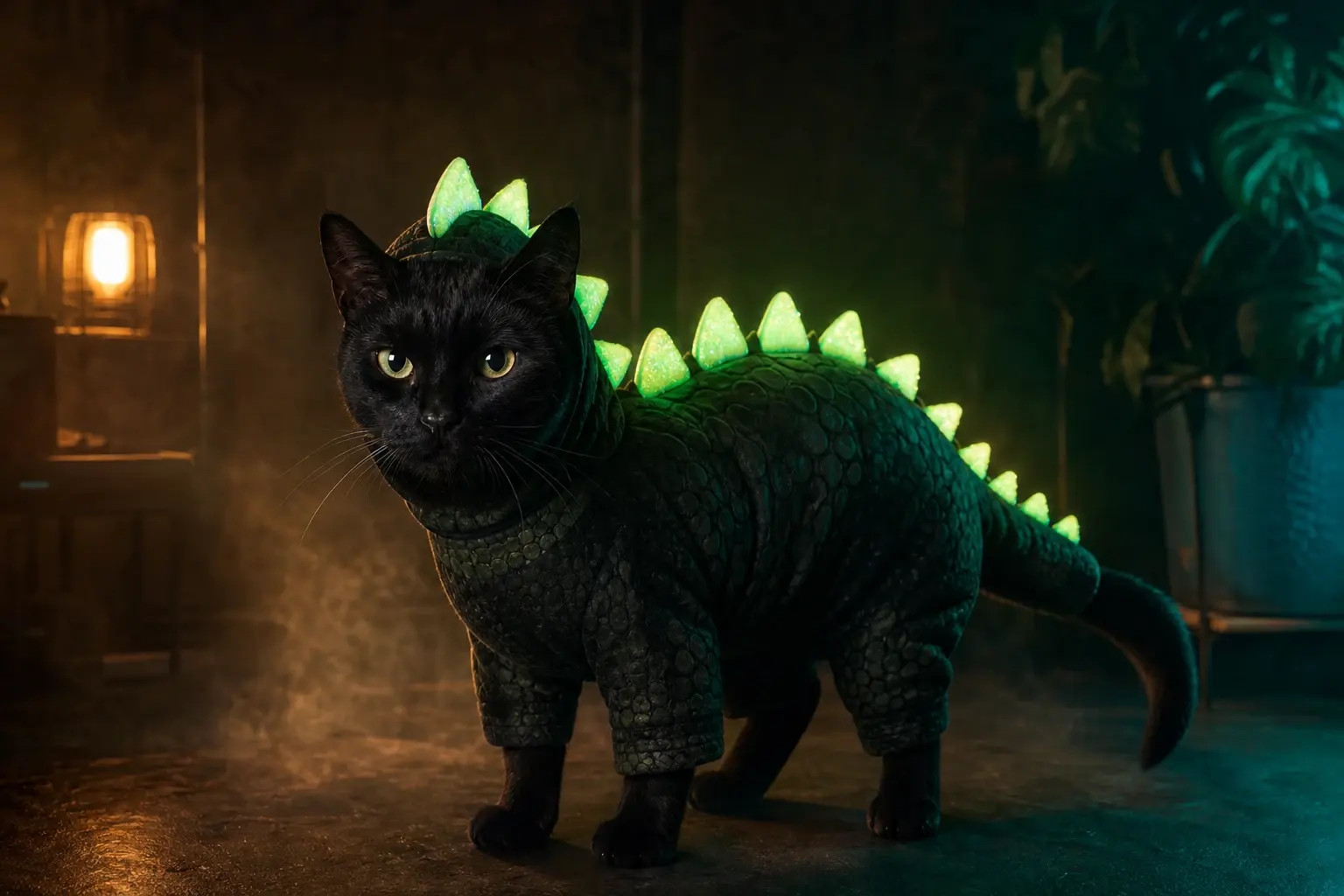 Pet
PetGlow in the Dark Dinosaur Pet Costume Preview
A glow effect is easy; keeping the pet recognizable is the hard part. This preset adds luminous dinosaur spikes without changing the animal’s face, eyes or markings.
 Portrait
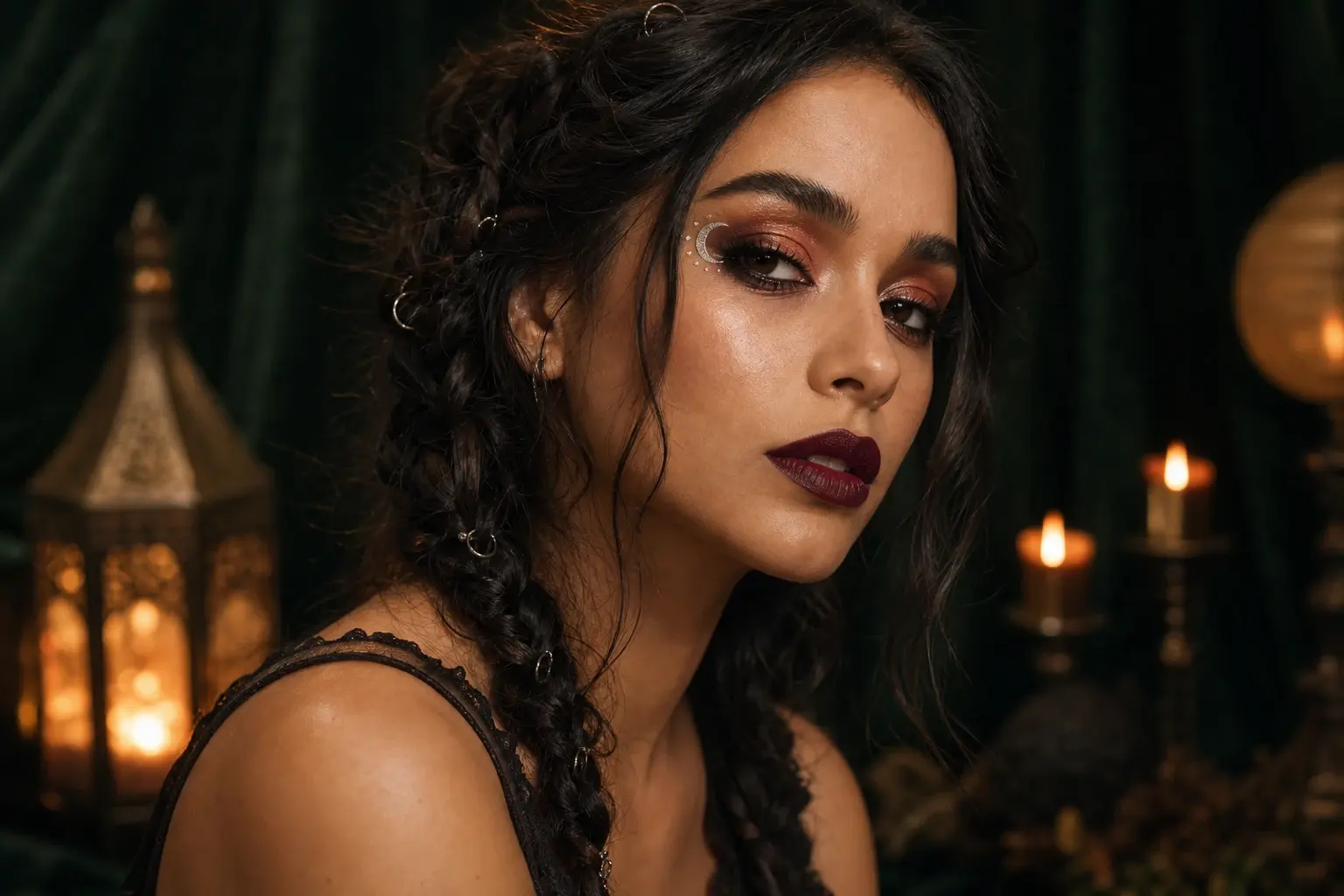
Halloween Photo Editor for Makeup, Hair and Lighting
A Halloween photo editor should improve the picture you already have, not replace the person in it. This preset focuses on makeup, hair and studio light while keeping the face as the anchor.
 Couple
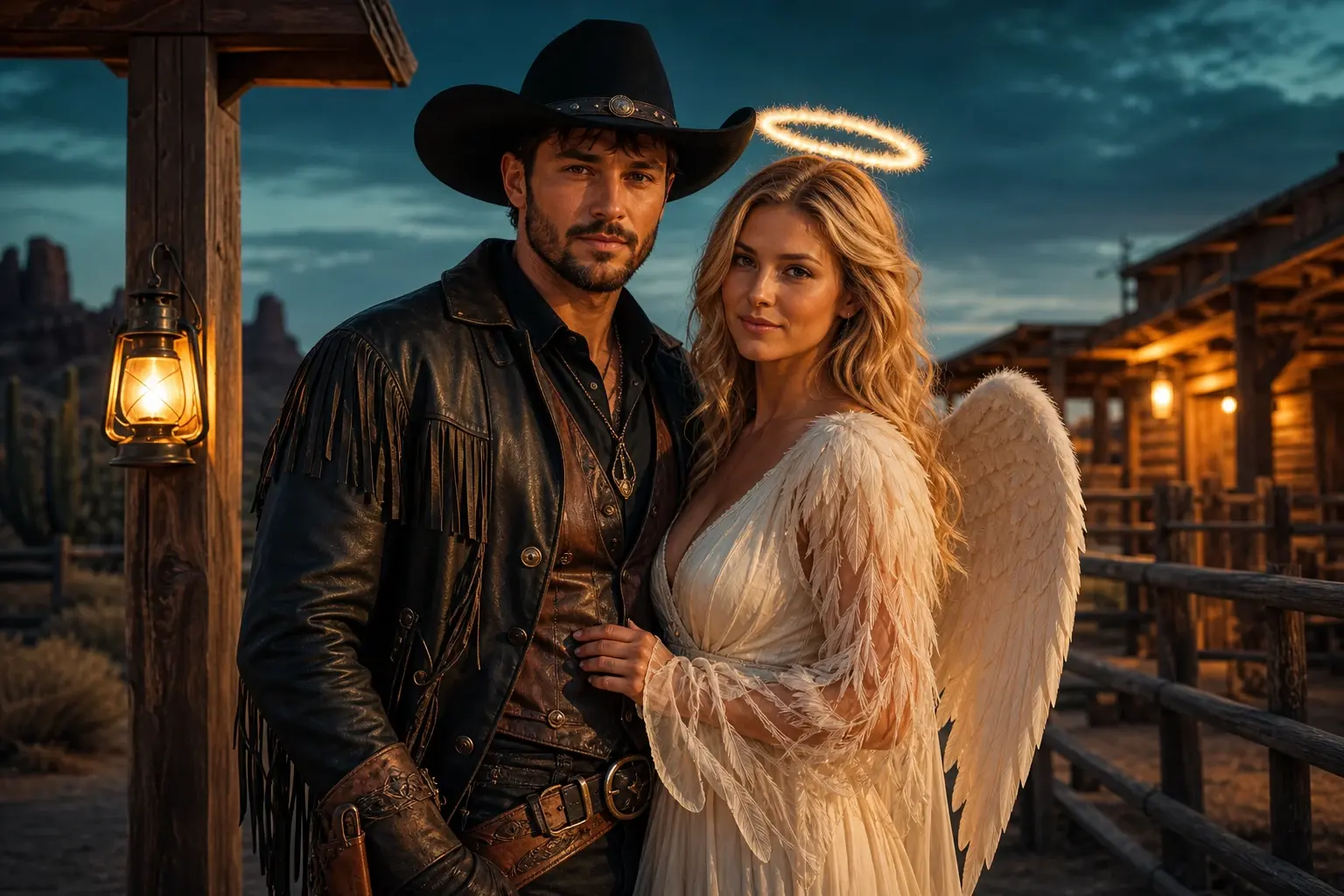
Cowboy and Angel Couple Costume Preview
Couple edits fail when faces swap or a third person appears. This preset keeps exactly two identities, coordinates the costumes and puts the pair in a dusk-lit ranch scene.
Questions before you generate
Can it handle a black cat or dark dog?
Yes, but keep the eyes and fur edges visible in the source. Strong backlight or a dark pet on a dark background gives the model too little shape information.
Will the costume fit in real life?
No. The image is a visual concept and does not know sizing, movement or safety. Choose a real pet costume that leaves eyes, ears, mouth and legs free.
Can I combine two pets?
Multi-pet edits are possible but harder. Start with one animal and a clear prompt, then add the second only if your model supports reliable multi-reference editing.
Can the pumpkin be removed later?
Yes. Change the costume instruction while keeping the identity and studio constraints. Do not rerun the whole prompt if only one element is wrong.