Halloween 2026 · Cowboy & Angel
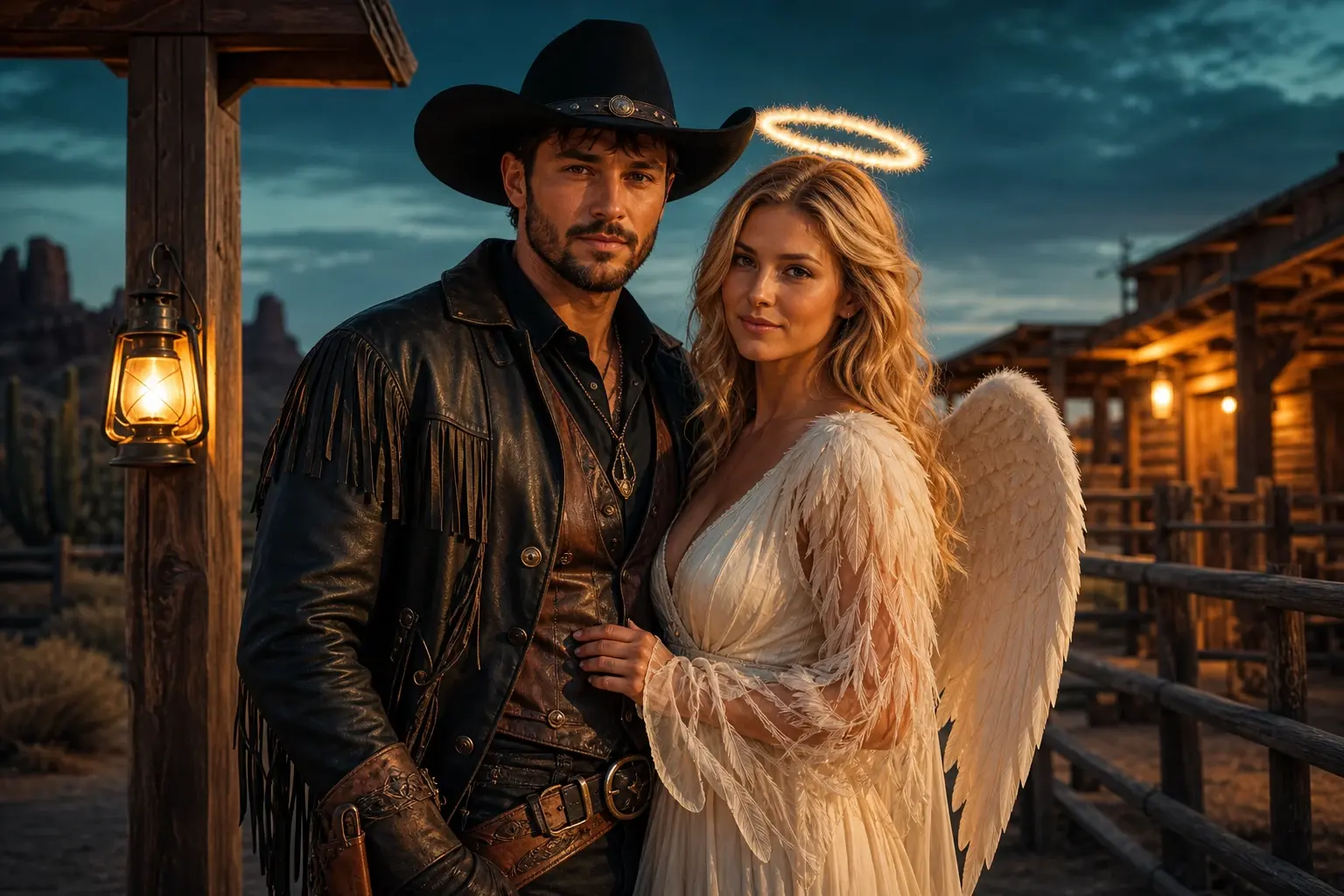
Cowboy and Angel Couple Costume Preview
Couple edits fail when faces swap or a third person appears. This preset keeps exactly two identities, coordinates the costumes and puts the pair in a dusk-lit ranch scene.
Credits are charged only when a model run starts. Failed jobs return credits automatically; completed jobs remain in your creations.
Ready-to-use prompt
The prompt is prefilled when you open a generator. Review it, add your own constraints, and keep the source photo unchanged.
Create an original Halloween couple portrait using the uploaded references. Preserve both people’s recognizable faces, facial proportions, skin tones and natural anatomy. Dress one person in an original western cowboy costume with a dark hat and leather details, and the other in an elegant ivory angel-inspired outfit with feather-textured sleeves and a soft halo accessory. Place them together in a lantern-lit desert ranch at dusk with warm amber light and a cool teal sky. Use photorealistic editorial photography, coordinated poses and realistic fabric. Keep exactly two people and do not exchange faces. Avoid extra people, duplicated bodies, distorted hands, changed identities, readable text, logos and watermarks.
Useful exclusions: No extra people, changed identity, duplicated limbs, distorted hands, copied character designs, readable text, logos or watermarks.
What to watch for
For best results, upload two clear portraits and use a multi-reference editor. If one group photo is softer, the model has less evidence for both faces.
Two identities, two anchors
Each person needs a clear source face. Do not rely on one small face inside a group photo.
Coordinate, do not merge
Warm leather and ivory fabric can share a palette without turning the costumes into one shape.
Count the people
The final image must contain exactly two people. Extra background silhouettes are still a failure.
A reliable three-step run
Upload one clear photo with even light. For pets, keep the eyes and full face unobstructed. For couples, use two separate portraits if one group photo is not available.
Use photos and clips you have permission to edit. These are original costume interpretations; the page does not claim affiliation with any film, game, or character owner.
- 1
Upload the clearest photo of each person
Use two separate portraits when possible. State which reference belongs to the cowboy and which to the angel.
- 2
Generate one coordinated frame
Check both faces, both necklines and the space between bodies. Do not add extra props until the pair is stable.
- 3
Use restrained motion for video
A glance toward each other and a slight breeze are enough. Full-body dancing is harder to keep coherent.
Choose the engine that fits the job
Each button below opens a real generator. The price shown there is the current price for that run; this page does not reserve or spend credits.
Keep the same number of people as the source photo. Do not invent a third person, duplicate limbs, or replace the face with a different identity.
Edit a photo
Nano Banana through KIE for photo edits and identity-sensitive changes.
Open photo editorGenerate from text
Seedream through KIE for detailed costume and scene generation.
Open text generatorAnimate an image
Wan 2.5 through WaveSpeed for image-to-video and text-to-video clips.
Animate this lookRemix motion
Wan Animate for motion transfer and clip-based character remixing.
Remix a clipThree ways to make the idea real
Choose a look, open it with the matching prompt, upload a photo you own, and review the generated result before spending more credits.
Related Halloween looks
All Halloween looks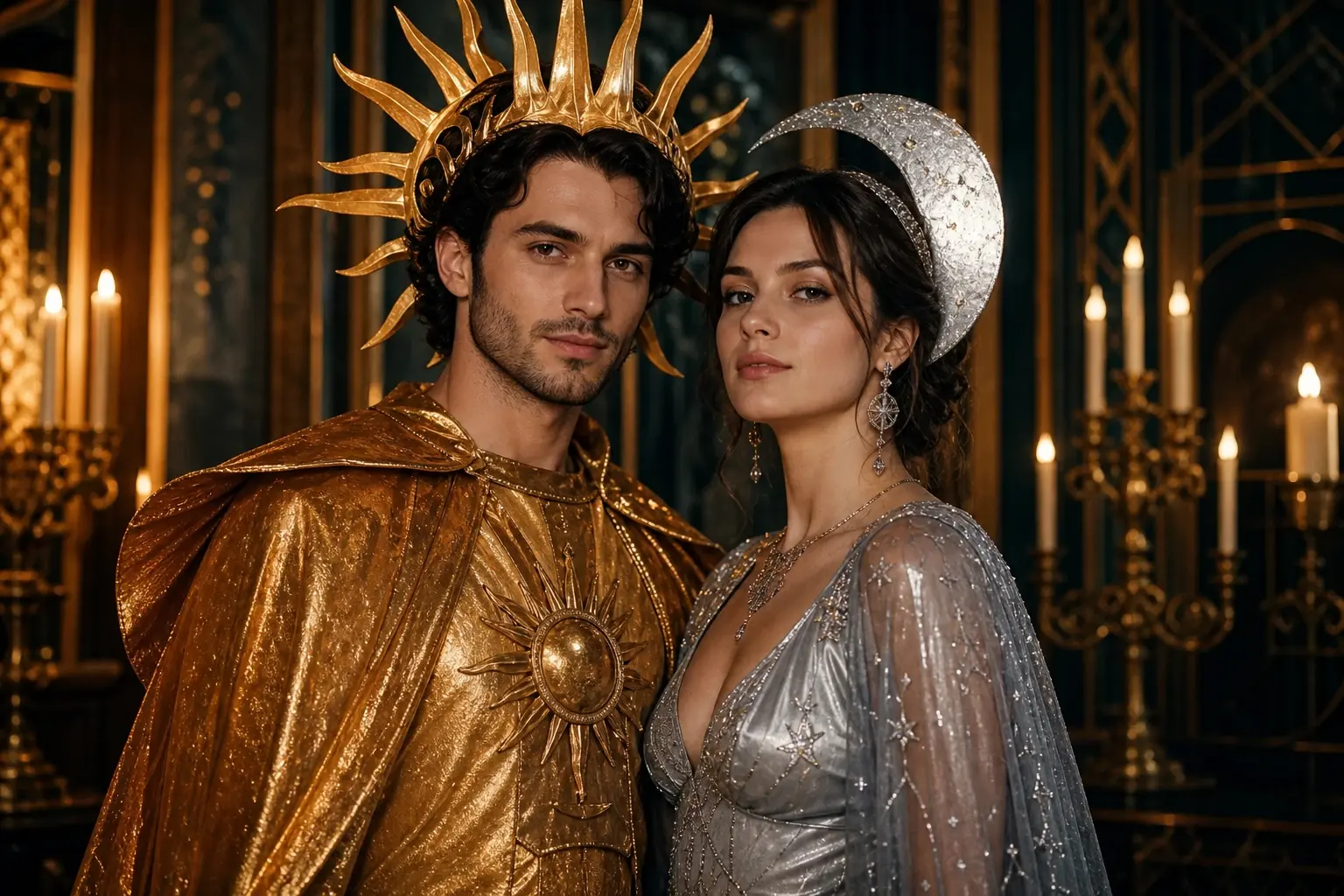 Couple
Halloween Couple Costume Generator with Two Clear Identities
A couple costume should look like two people choosing one idea, not one person copied twice. This preset coordinates sun and moon outfits while protecting both faces.
 Portrait
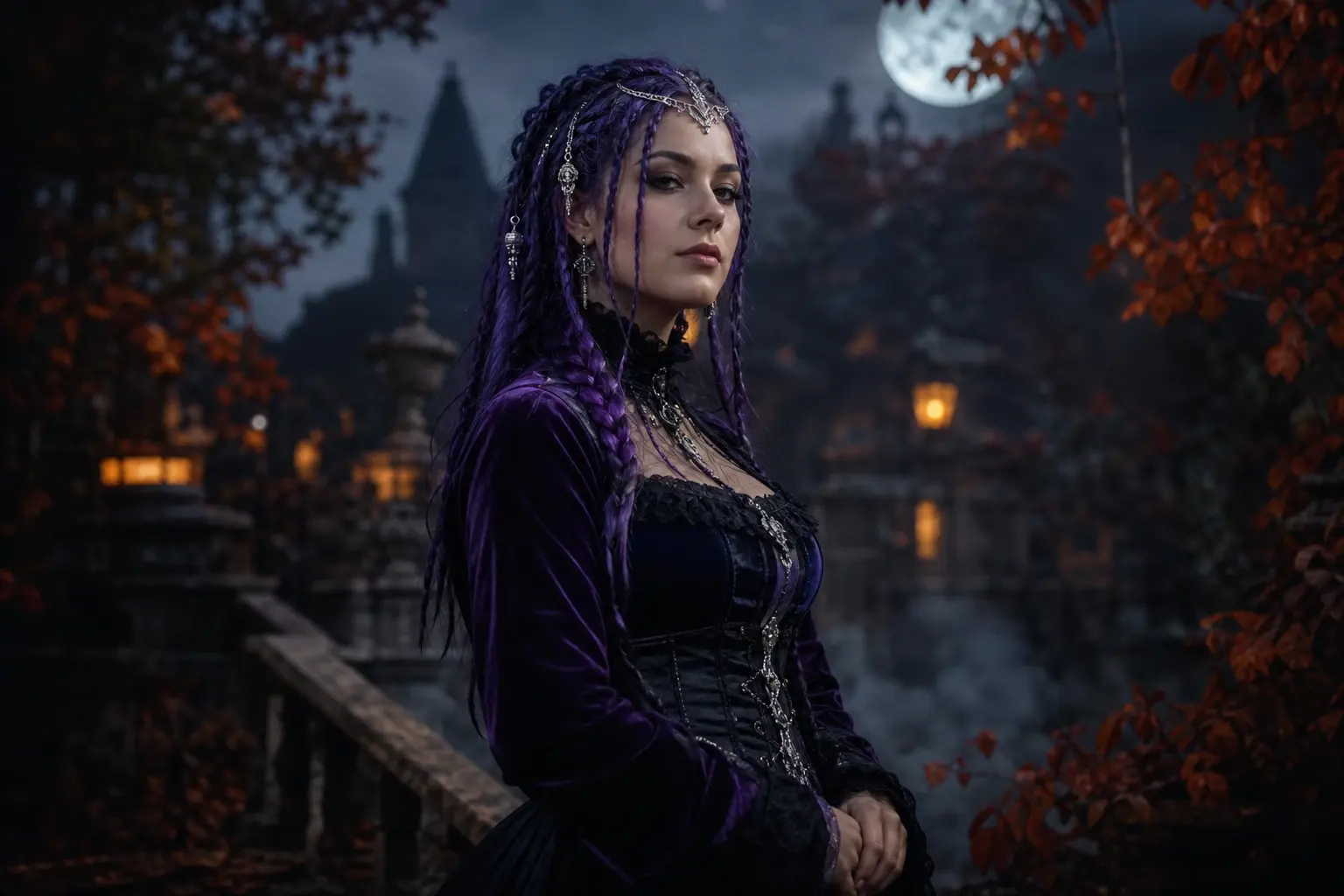
Midnight Braids Halloween Portrait with Violet Braids
A braided Halloween look can change the silhouette without hiding the face. This preset adds long violet braids, silver hair jewellery and a black-purple velvet outfit in a moonlit garden.
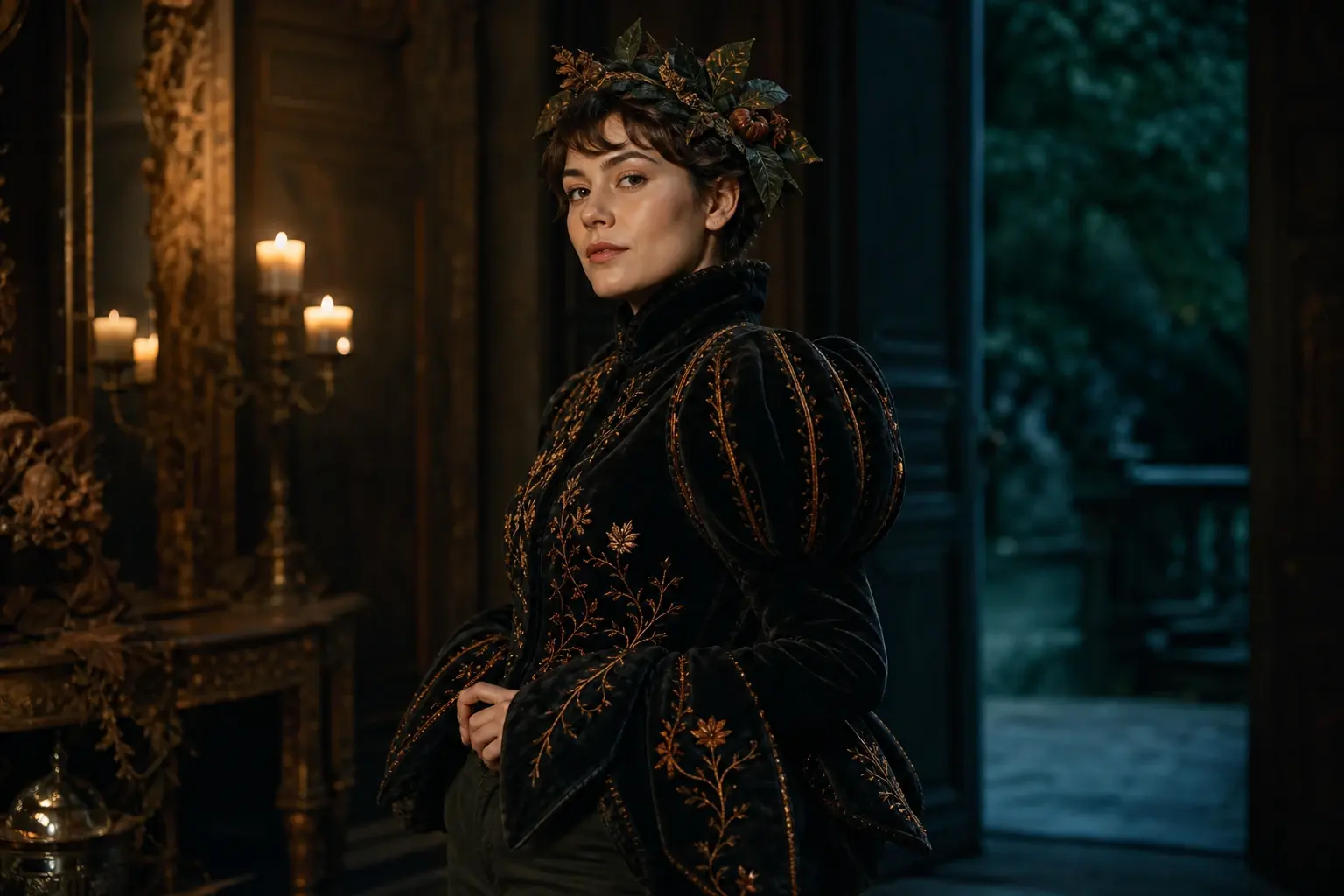 Photo edit
AI Halloween Costume Generator for Your Own Photo
Start with a photo you own, keep the person recognizable, and explore a wearable costume before you buy or build one. This page connects the trend to a real photo editor and a separate image-to-video workflow.
Questions before you generate
Can I use one couple photo instead of two portraits?
You can, but both faces need to be clear. Two separate portraits usually give the model stronger identity evidence and fewer swaps.
What if the faces switch?
Label each reference explicitly and reduce the scene complexity. If the model still swaps them, stop rather than retrying blindly.
Can a third person appear?
The prompt forbids it, but background silhouettes can still be mistaken for people. Inspect the full frame, not only the couple.
Is this an official costume pairing?
No. Cowboy and angel are generic costume themes. The page does not claim association with a film, brand or character owner.