Halloween 2026 · Costume generator
AI Halloween Costume Generator for Your Own Photo
Start with a photo you own, keep the person recognizable, and explore a wearable costume before you buy or build one. This page connects the trend to a real photo editor and a separate image-to-video workflow.
Credits are charged only when a model run starts. Failed jobs return credits automatically; completed jobs remain in your creations.
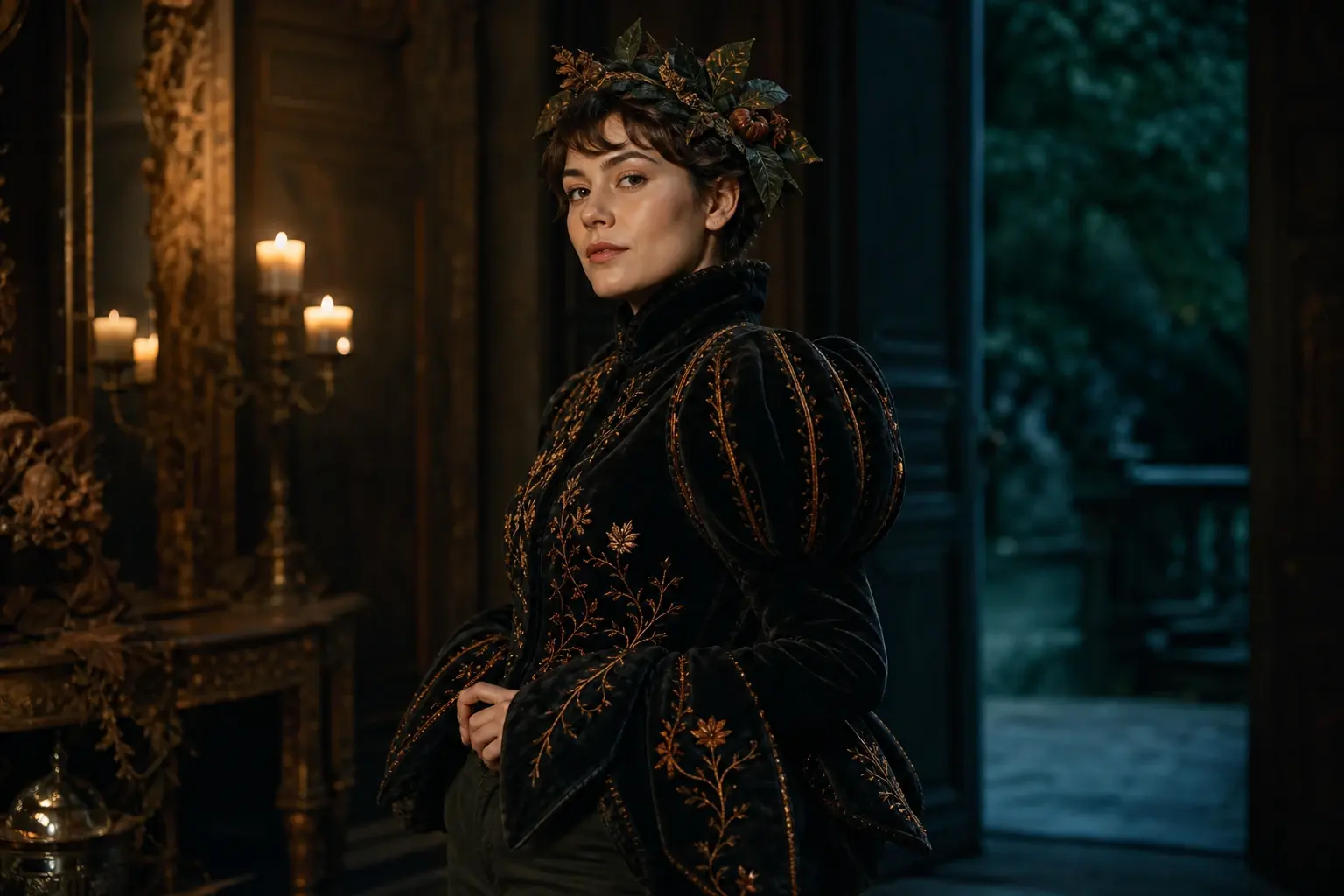
Ready-to-use prompt
The prompt is prefilled when you open a generator. Review it, add your own constraints, and keep the source photo unchanged.
Use the uploaded photo as the primary reference. Preserve the subject’s recognizable facial identity, facial proportions, skin tone, approximate age and natural anatomy. Transform the subject into an original wearable Halloween costume portrait with a sculptural black velvet pumpkin-inspired jacket, subtle amber embroidery and a small leaf headpiece. Replace only hair, clothing and background. Place the subject in a candlelit manor entryway with deep teal shadows and warm practical lights. Use photorealistic editorial photography, realistic fabric texture, natural skin detail and cinematic soft lighting. Keep the same number of people as the uploaded photo. Avoid altered facial identity, extra people, extra limbs, duplicated fingers, distorted hands, readable text, logos and watermarks.
Useful exclusions: No extra people, changed identity, duplicated limbs, distorted hands, copied character designs, readable text, logos or watermarks.
What to watch for
This prompt changes hair, clothing and setting while explicitly protecting identity and anatomy. It is written for a photo-editing model, not a generic text-to-image prompt.
A costume preview, not a character clone
The prompt asks for a wearable look with believable fabric and lighting. It avoids copying a film, game or mascot design.
Identity is a constraint
Face, skin tone, pose and the number of people are stated as invariants. Check them at full size before you keep the result.
Image first, video second
Generate one frame you actually like. Only animate that approved frame, because video credits cost more and motion can expose anatomy errors.
A reliable three-step run
Upload one clear photo with even light. For pets, keep the eyes and full face unobstructed. For couples, use two separate portraits if one group photo is not available.
Use photos and clips you have permission to edit. These are original costume interpretations; the page does not claim affiliation with any film, game, or character owner.
- 1
Open the photo editor
The prompt is prefilled. Upload a clear portrait with even light and keep the original file untouched.
- 2
Run one controlled test
Generate one image. Check the face, hands, garment edges and number of people before changing the prompt.
- 3
Animate only an approved frame
If the portrait survives inspection, open the video workflow and use it as the first frame with the supplied motion prompt.
Choose the engine that fits the job
Each button below opens a real generator. The price shown there is the current price for that run; this page does not reserve or spend credits.
Keep the same number of people as the source photo. Do not invent a third person, duplicate limbs, or replace the face with a different identity.
Edit a photo
Nano Banana through KIE for photo edits and identity-sensitive changes.
Open photo editorGenerate from text
Seedream through KIE for detailed costume and scene generation.
Open text generatorAnimate an image
Wan 2.5 through WaveSpeed for image-to-video and text-to-video clips.
Animate this lookRemix motion
Wan Animate for motion transfer and clip-based character remixing.
Remix a clipThree ways to make the idea real
Choose a look, open it with the matching prompt, upload a photo you own, and review the generated result before spending more credits.
Related Halloween looks
All Halloween looks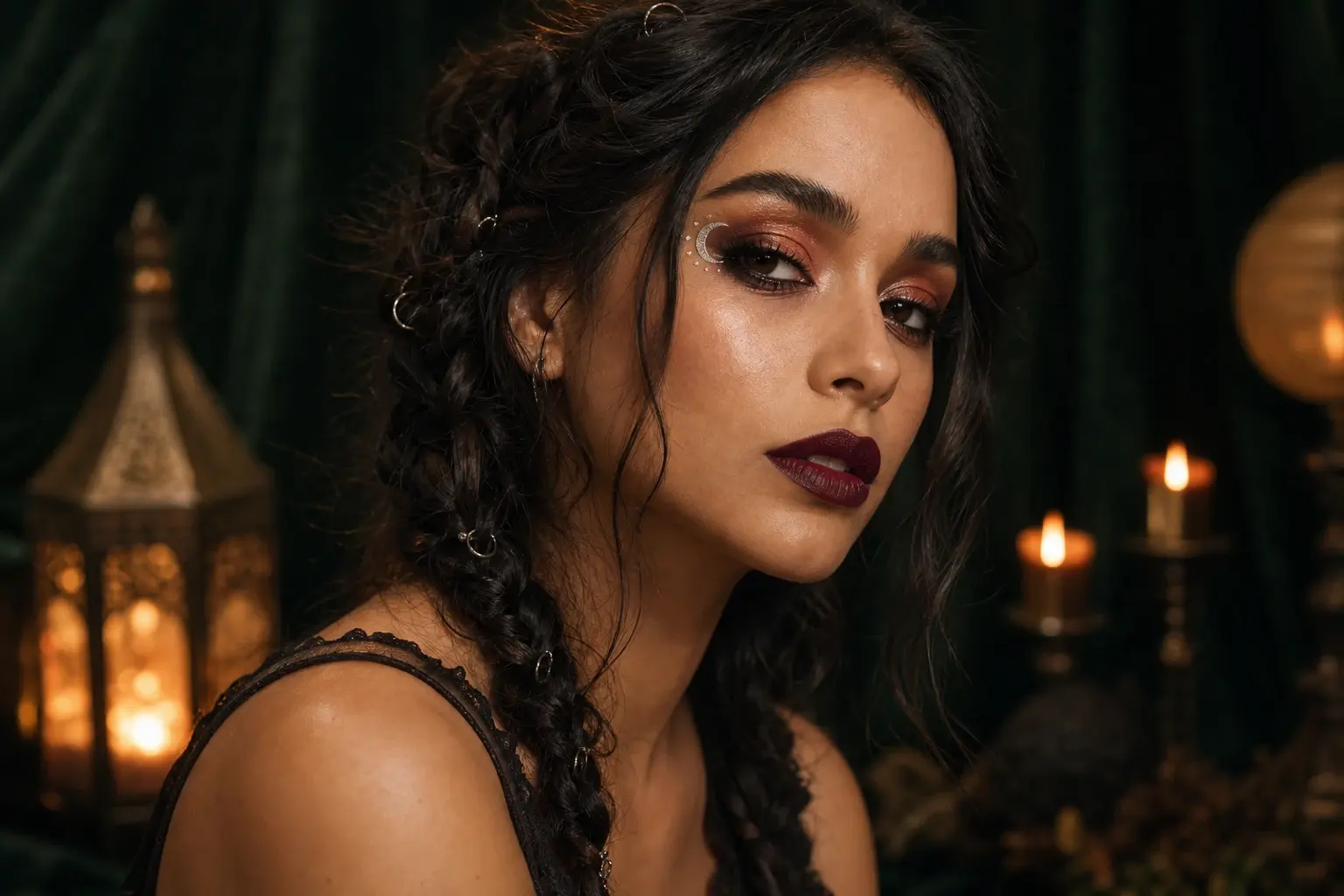 Portrait
Halloween Photo Editor for Makeup, Hair and Lighting
A Halloween photo editor should improve the picture you already have, not replace the person in it. This preset focuses on makeup, hair and studio light while keeping the face as the anchor.
 Portrait
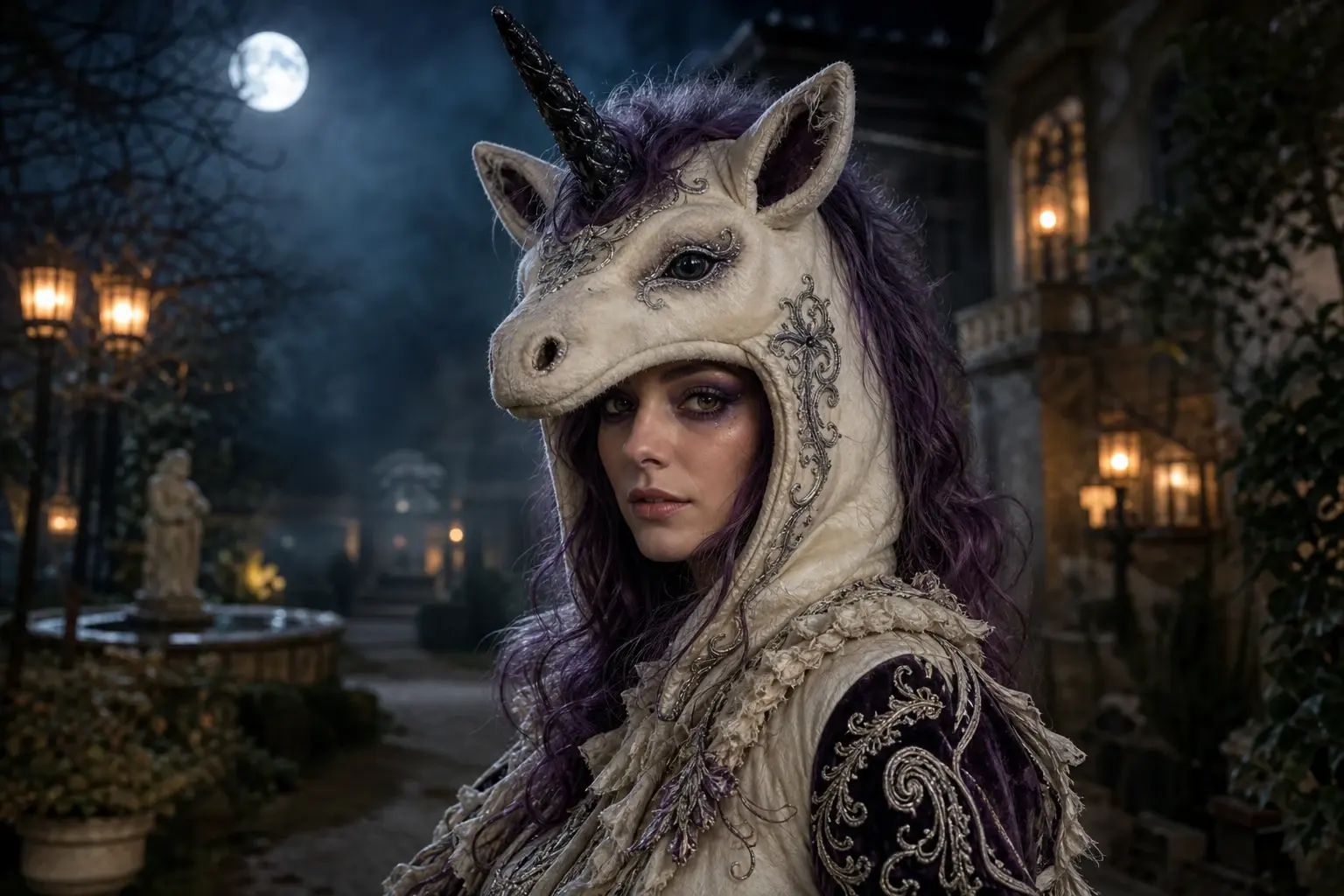
Haunted Unicorn Costume Generator with Your Face Visible
Trending unicorn mascot searches are a signal, not a licence to copy a film character. This page builds an original haunted unicorn costume around your own photograph and keeps the human face visible.
 Couple
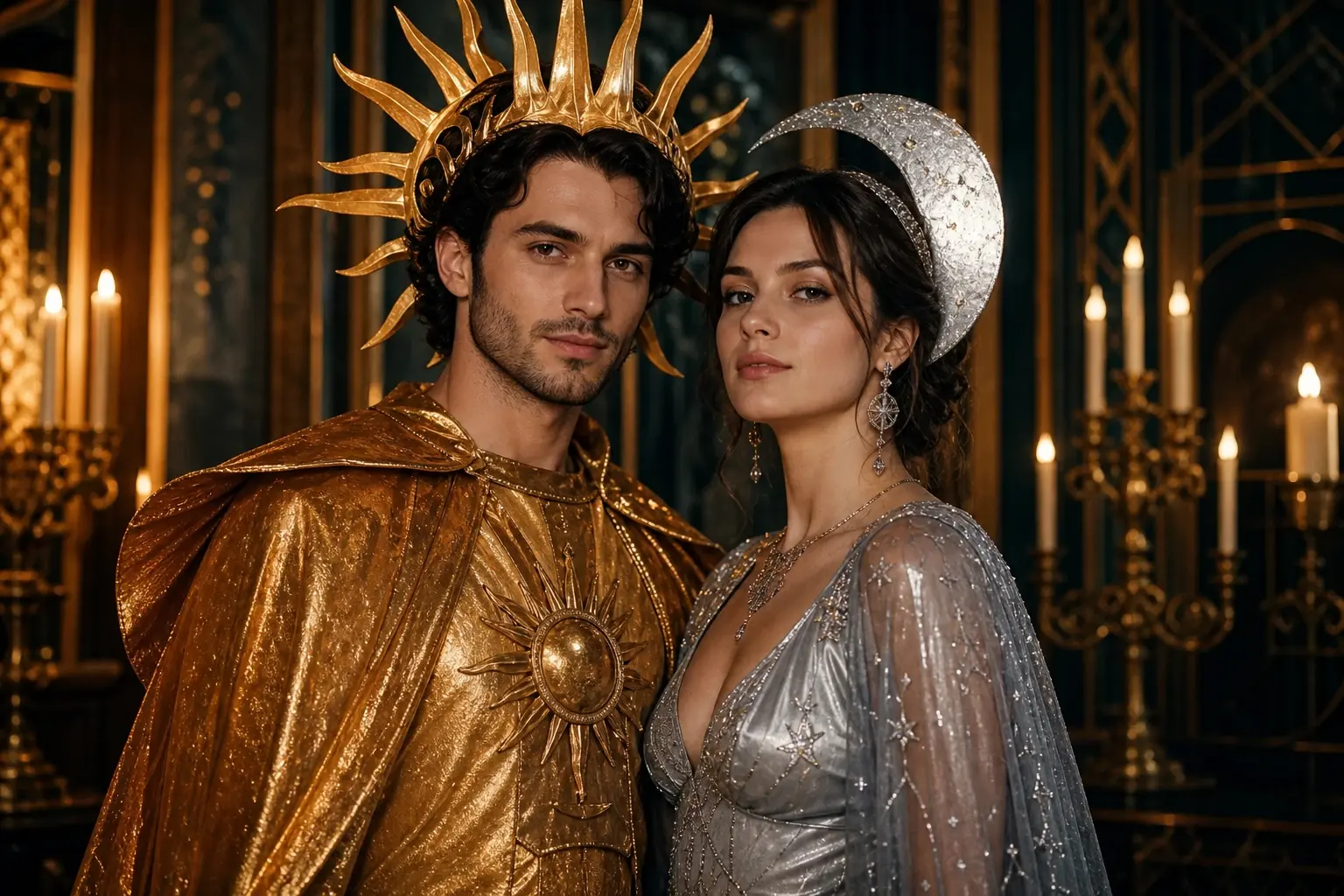
Halloween Couple Costume Generator with Two Clear Identities
A couple costume should look like two people choosing one idea, not one person copied twice. This preset coordinates sun and moon outfits while protecting both faces.
Questions before you generate
Is this a virtual try-on for a specific store?
No. It is a visual concept generator. It does not know a retailer’s stock, sizing or return policy, and it should not be used as proof that a physical costume will fit or look identical.
Can I use a group photo?
Yes, but keep the source group small and state the exact number of people. Multi-person edits are harder; two clear portraits usually produce more stable identities than one crowded photo.
Why does the page also link a video tool?
A still image is the cheapest place to judge costume and identity. Once the still looks right, image-to-video can add a head turn, fog or camera movement without guessing at the costume design.
What should I do if the face changes?
Reduce the requested changes, use a sharper source photo, and repeat the identity constraints. If the model still replaces the face, stop instead of accepting a result that no longer represents the person.