Halloween 2026 · Prompt library
AI Halloween Prompts You Can Copy and Test Today
A prompt is useful when another person can run it and understand what should stay unchanged. This page gives you a complete Halloween portrait prompt, not a list of vague adjectives.
Credits are charged only when a model run starts. Failed jobs return credits automatically; completed jobs remain in your creations.
Ready-to-use prompt
The prompt is prefilled when you open a generator. Review it, add your own constraints, and keep the source photo unchanged.
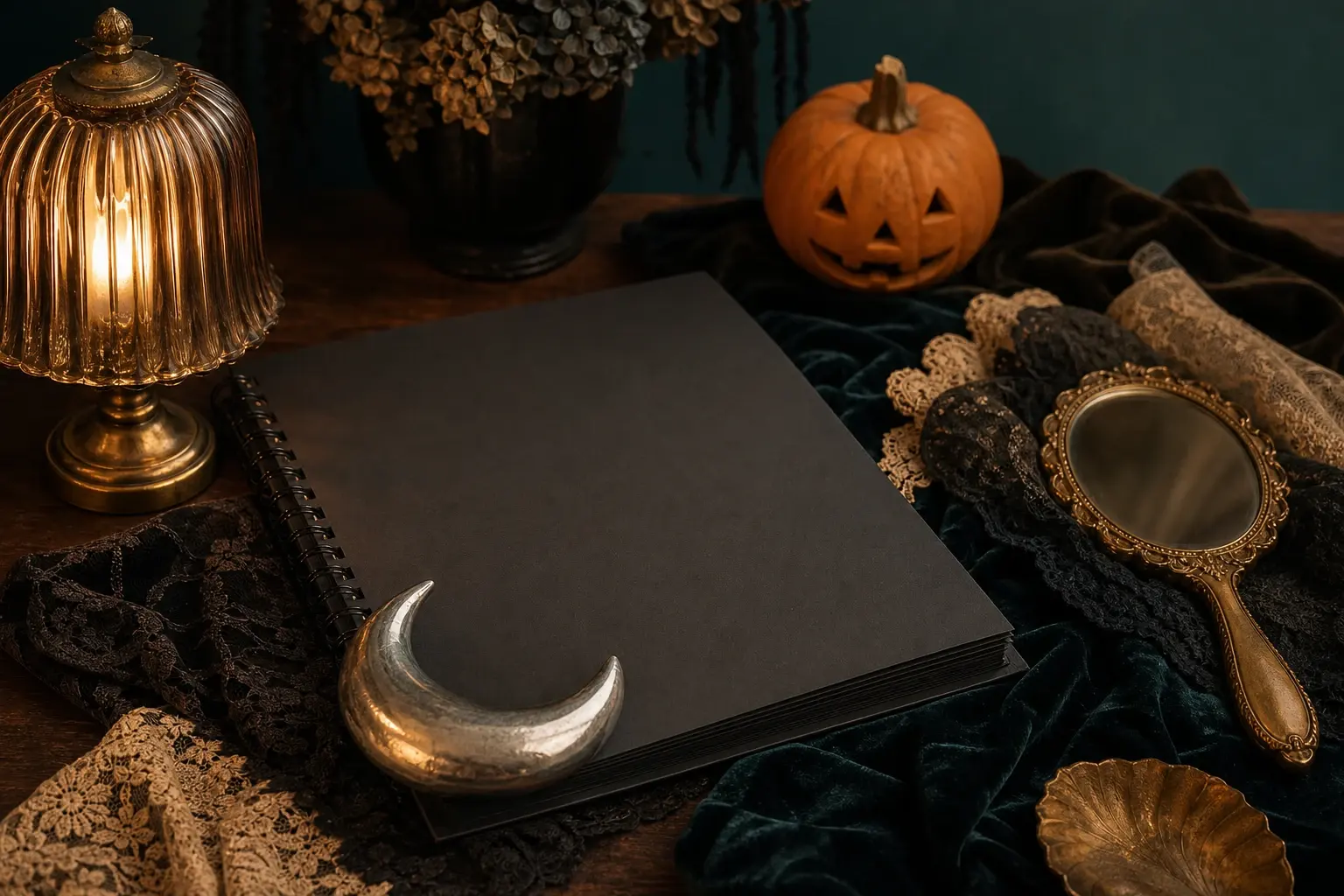
Create an original Halloween editorial portrait of one adult with a refined gothic look: smoky copper eye makeup, deep berry lips, a black velvet jacket, subtle silver jewellery and soft braided hair. Preserve realistic facial anatomy and natural skin texture. Use a candlelit room with dark green walls, warm amber practical lights and a cool teal shadow. Photorealistic editorial photography, three-quarter framing, natural hands out of frame. No text, no logos, no watermarks, no gore, no extra people and no copyrighted character design.
Useful exclusions: No extra people, changed identity, duplicated limbs, distorted hands, copied character designs, readable text, logos or watermarks.
What to watch for
Use this as a baseline. The same prompt can be adapted for Gemini, ChatGPT image editing, Nano Banana, Seedream or Flux; keep the structure and change one variable at a time.
What must stay fixed
Identity, face proportions, skin texture, pose and number of people are written as constraints before the creative changes.
What can change
Makeup, hair, clothing and room are explicit. This makes the result easier to judge and easier to revise.
What to exclude
Extra people, distorted hands, text, logos, watermarks and copied character designs are excluded up front.
A reliable three-step run
Upload one clear photo with even light. For pets, keep the eyes and full face unobstructed. For couples, use two separate portraits if one group photo is not available.
Use photos and clips you have permission to edit. These are original costume interpretations; the page does not claim affiliation with any film, game, or character owner.
- 1
Copy the prompt, then shorten it
Remove any change you do not need. A shorter prompt with clear invariants usually beats a long pile of style words.
- 2
Use one source photo
Start with a clear portrait and one look. Do not judge a prompt by running it on several unrelated images at once.
- 3
Keep a prompt log
Record the prompt, model, source photo and one thing you changed. That is how a prompt becomes reusable.
Choose the engine that fits the job
Each button below opens a real generator. The price shown there is the current price for that run; this page does not reserve or spend credits.
Keep the same number of people as the source photo. Do not invent a third person, duplicate limbs, or replace the face with a different identity.
Edit a photo
Nano Banana through KIE for photo edits and identity-sensitive changes.
Open photo editorGenerate from text
Seedream through KIE for detailed costume and scene generation.
Open text generatorAnimate an image
Wan 2.5 through WaveSpeed for image-to-video and text-to-video clips.
Animate this lookRemix motion
Wan Animate for motion transfer and clip-based character remixing.
Remix a clipThree ways to make the idea real
Choose a look, open it with the matching prompt, upload a photo you own, and review the generated result before spending more credits.
Related Halloween looks
All Halloween looks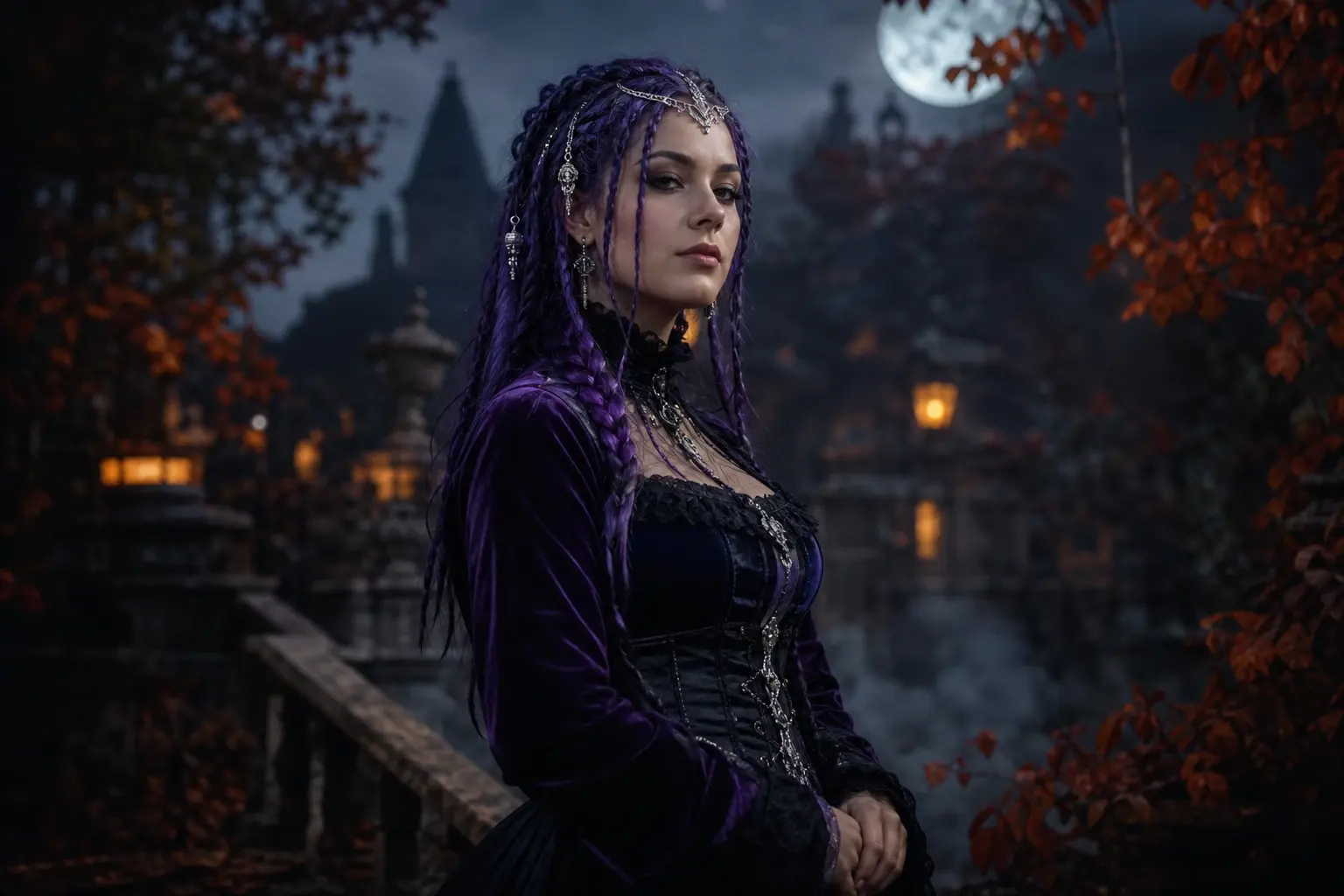 Portrait
Midnight Braids Halloween Portrait with Violet Braids
A braided Halloween look can change the silhouette without hiding the face. This preset adds long violet braids, silver hair jewellery and a black-purple velvet outfit in a moonlit garden.
 Portrait
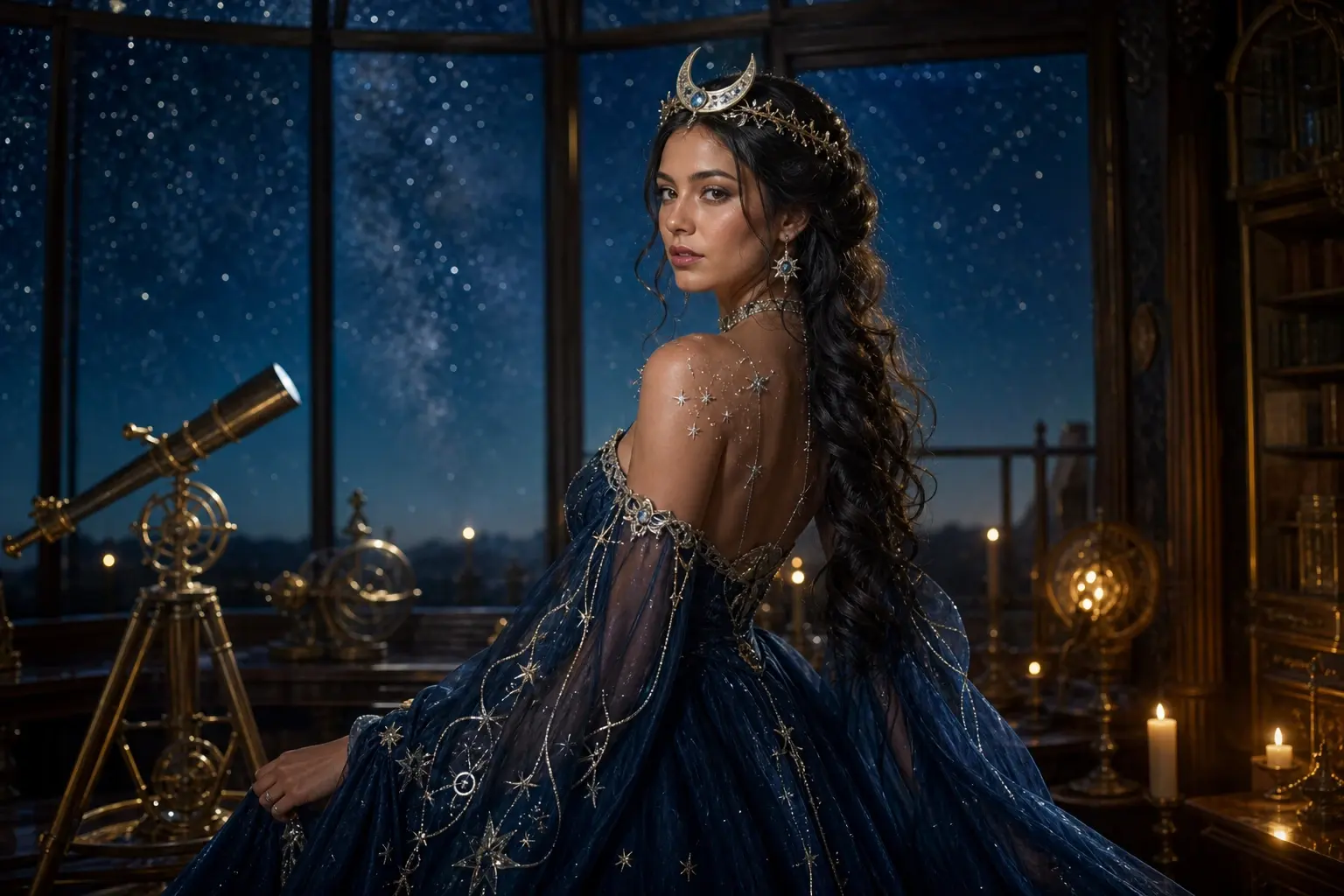
Cosmic Princess Halloween Portrait with a Glowing Gown
This look replaces the outfit and room while keeping the person anchored. Use it for a starry princess concept without copying a specific game or film costume.
 Video
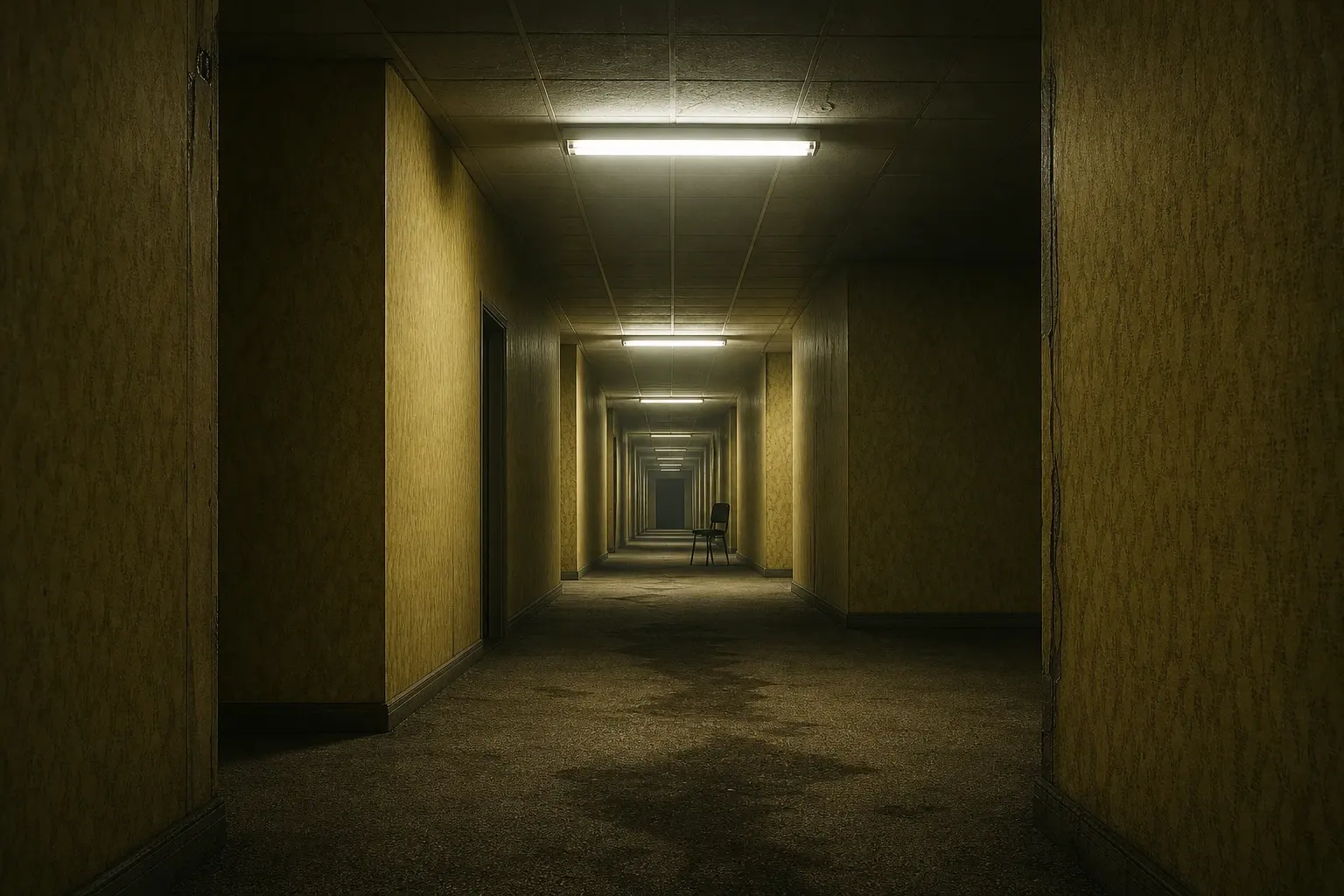
VideoBackrooms AI Video Generator for a Slow Liminal Shot
A convincing liminal clip needs restraint: one corridor, one camera move, one flickering light. This prompt targets atmosphere instead of a jump scare and opens a real text-to-video workflow.
Questions before you generate
Can I use this prompt in Gemini or ChatGPT?
Yes. The wording is model-neutral. If the tool does not support photo references, use it as a text-to-image prompt or add the photo in a workflow that supports image editing.
Why include a negative list?
It reduces common failures such as extra limbs, copied text and unintended logos. It does not guarantee perfect anatomy, so inspect the result.
How long should a Halloween prompt be?
Long enough to state identity, scene, light, materials and exclusions. If a phrase does not change a decision, delete it. Specific constraints matter more than decorative words.
Can I sell a prompt or generated image?
That depends on the model terms, the source photo rights and the intended use. Do not sell images that copy a protected character or use someone else’s likeness without permission.