Ampliador de imágenes con IA: recupera detalle, no solo tamaño
Empieza aquí cuando agrandar no basta y la imagen necesita quitar ruido, recuperar foco o textura antes de entregarla.
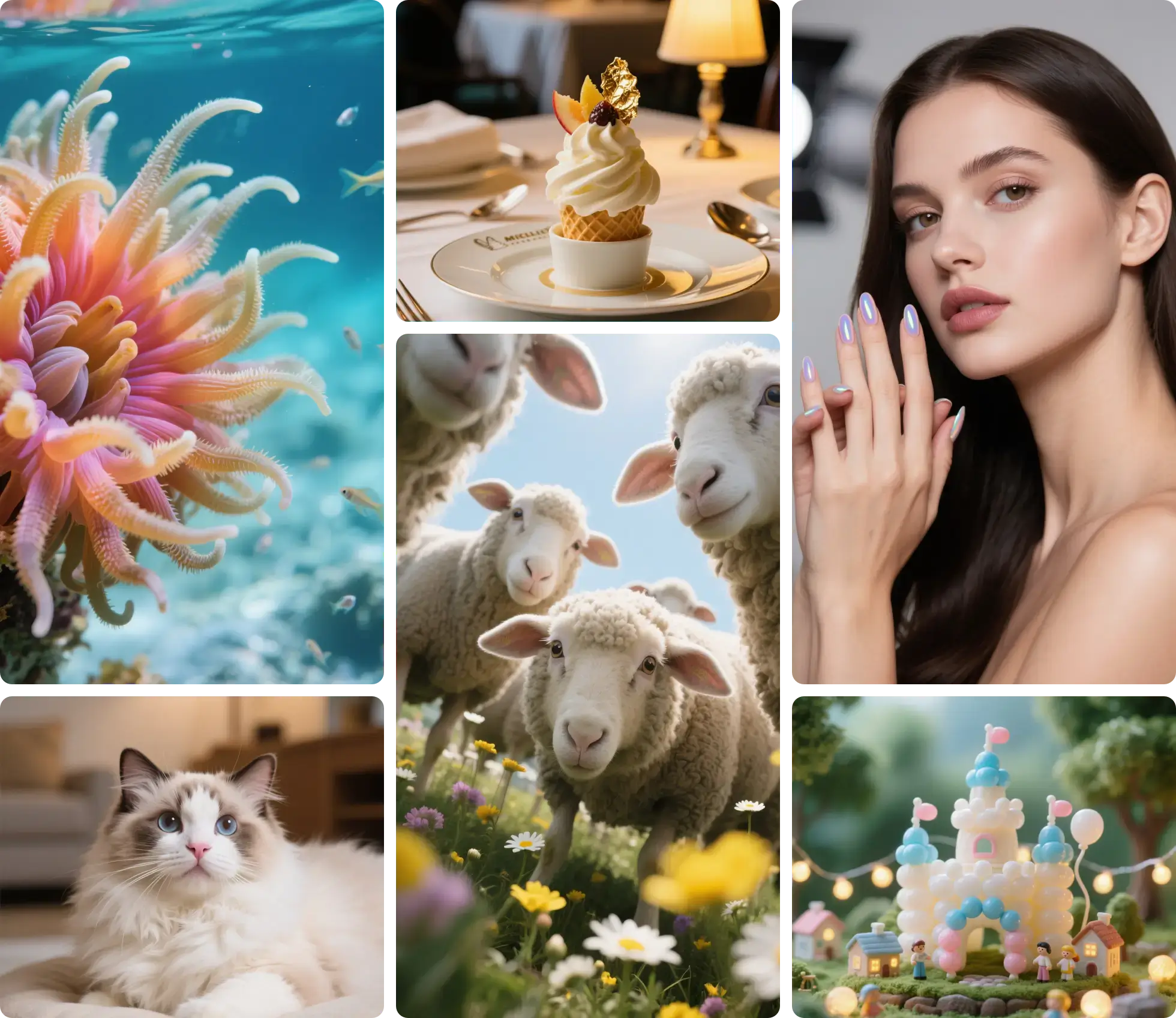
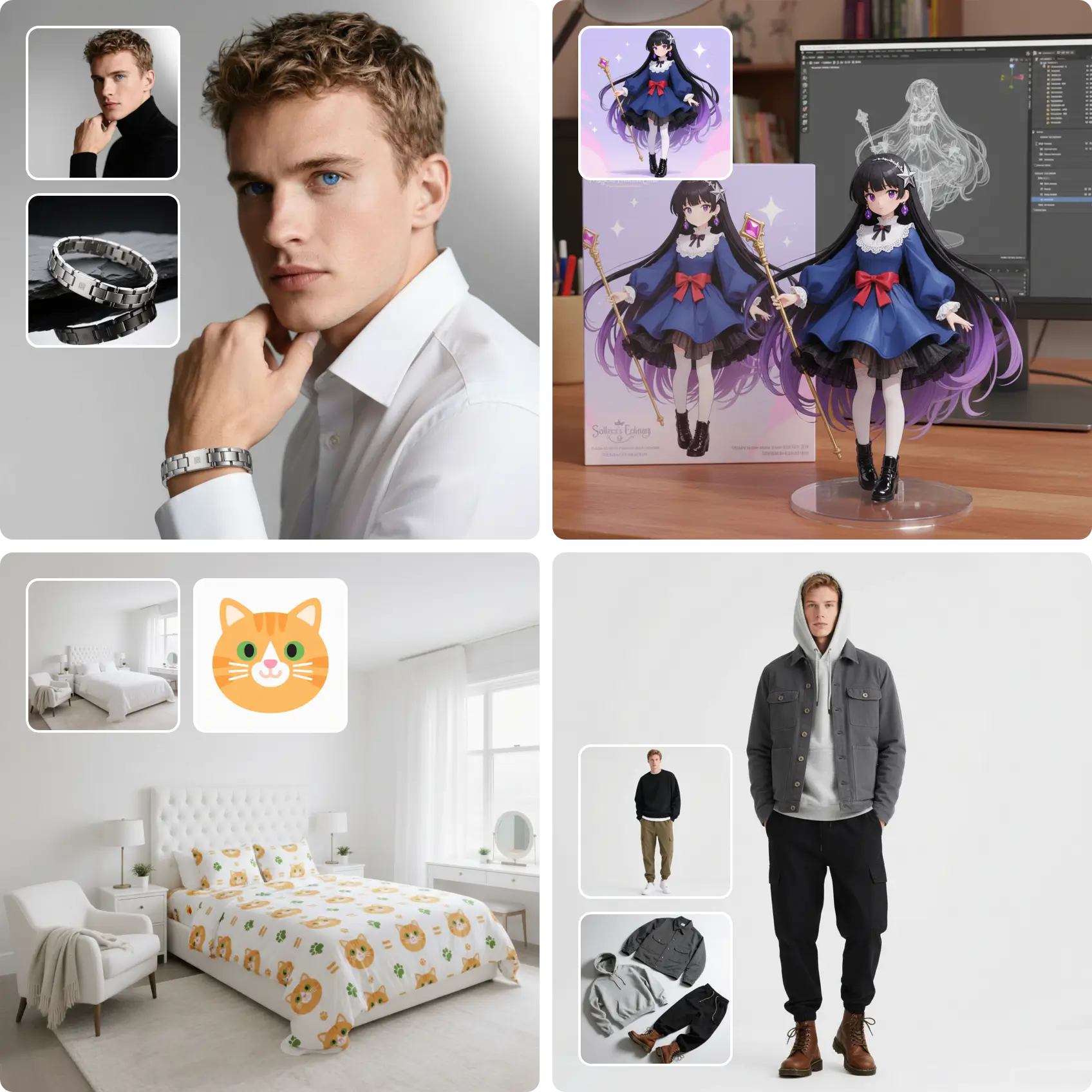
Sube y amplía
Arrastra el archivo para subirlo
Suelta tu imagen aquí
o haz clic para elegir un archivo
Tu primer aumento es gratis, sin necesidad de cuenta.
Use this page when the image needs repair before it needs size
This is the restoration lane. It is meant for still images where the real problem is blur, noise, compression, or weak texture detail, not just missing pixels.
Best For
The jobs this page is built to handle well
- Soft portraits, avatars, and low-light phone photos
- Compressed JPGs, marketplace images, and downloaded assets
- Old photos and scans that need cleanup plus enlargement
Choose Another Page When
These jobs usually need a different workflow
- Already-clean files that only need a quick size increase
- Video jobs that need frame-by-frame temporal consistency
Still images with blur, noise, or visible compression
Cleaner textures, sharper faces, and fewer artifacts
Use Image Upscaler for fast enlargement on clean files
If the file looks damaged before it looks small, validate the repair first
Use one problem image to check faces, textures, and noisy areas after recovery, then launch the same repair-first workflow from the CTA once the improvement looks natural.
What this repair-first lane improves before delivery
These are the quality wins people expect when blur, noise, and compression matter more than raw size.
Modelos preparados para imágenes borrosas y comprimidas
Recupera detalle en lugar de estirar píxeles
Limpia ruido y artefactos JPEG
Cuida los rostros en retratos
Texturas más claras en producto, paisaje y fotos antiguas
Puedes elegir el modelo según el archivo
Cómo usar AI Image Upscaler
Amplía tu imágenes en 3 pasos
Upload the image with the most obvious quality issues
Bring in the blurry, noisy, compressed, or old still image you want to recover. This workflow is built for problem files, not just bigger exports.
Choose a modest scale before pushing the size
Start with 2x or 4x so the model can focus on restoring detail. If the result holds up, you can step higher from a much cleaner base.
Inspect faces, textures, and repeated patterns
Look closely at skin, hair, fabric, product texture, and textural edges to confirm the model improved clarity without making them look artificial.
Questions Before You Run the Repair-First Lane
This set answers the workflow questions people usually have before sending a blurry, noisy, or compressed image into the repair-first path.
Herramientas cercanas
Cambia a estas páginas solo cuando el trabajo encaje mejor en otro flujo.
Ampliador HEIC: convierte fotos de iPhone a JPG
Elige una foto HEIC o HEIF. El navegador la convierte a JPEG antes de subirla y el modelo devuelve un JPG ampliado. Empieza con 2x.
Ampliador de fotos: primero que se vea natural
Para retratos y paisajes. Un recorte de cara va al ampliador de rostros. Un escaneo antiguo va a fotos antiguas.
Arreglar fotos borrosas: devuelve bordes a las fotos blandas
Sube una foto blanda o de baja resolución y el modelo de restauración reconstruye bordes y textura mientras la amplía. Para copias escaneadas usa el ampliador de fotos antiguas; para ampliar en general, el ampliador de imágenes con IA.
Repair one image before you roll the workflow across the batch
Start with one blurry, noisy, or compressed file, inspect the recovered detail, and then decide whether this same AI repair lane should handle the rest of your images.